How to update your resume with Gemini in four steps
On October 29, 2026, Google published a guide to updating your resume with Gemini, in four steps.

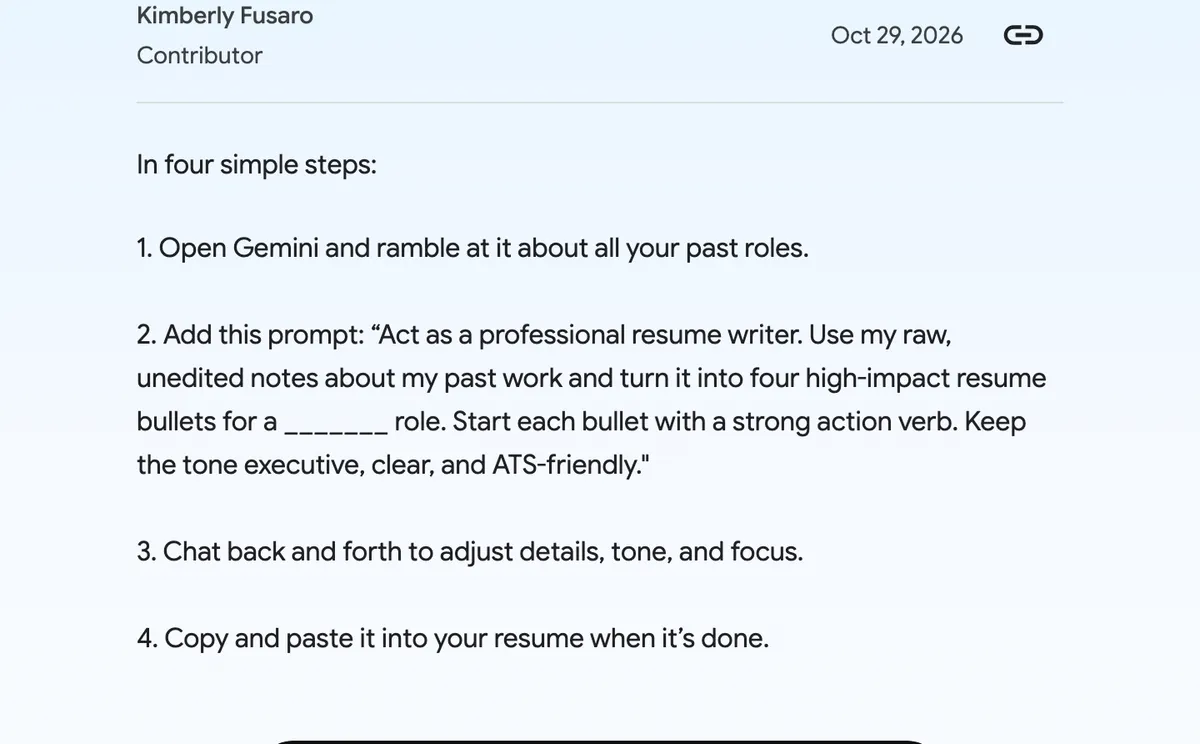
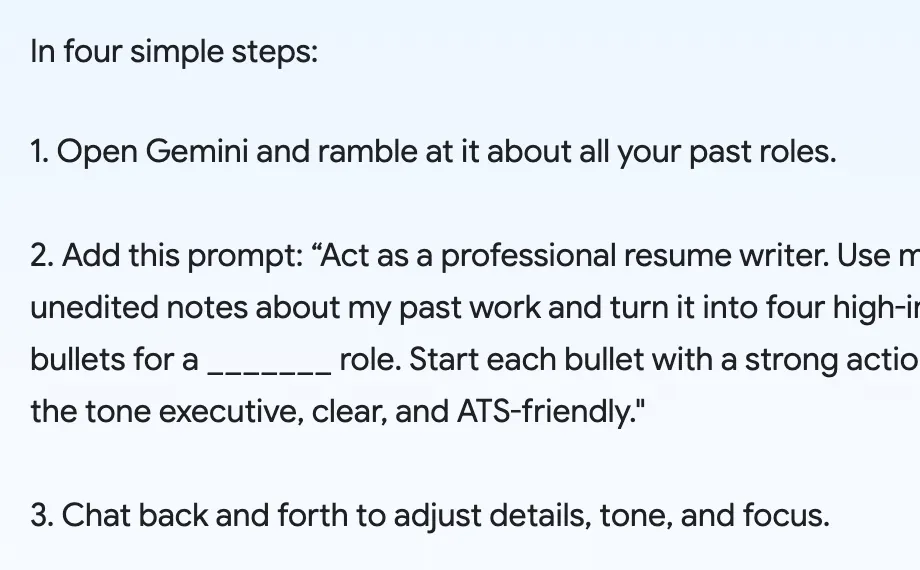

Step one: open Gemini and ramble at it about all your past roles. These are the raw, unedited notes that the next step works from.
Step two: give Gemini this prompt, with the role you want in the blank: "Act as a professional resume writer. Use my raw, unedited notes about my past work and turn it into four high-impact resume bullets for a _______ role. Start each bullet with a strong action verb. Keep the tone executive, clear, and ATS-friendly."
Step three: chat back and forth with Gemini to adjust the details, the tone and the focus. Step four: copy and paste the result into your resume.
The useful part is the prompt. It names the role, asks for exactly four high-impact bullets, has each one start with a strong action verb, and sets the tone: executive, clear and ATS-friendly.

Our take:
check every number and claim it writes against your real record before you send it.
Sources
Source published: